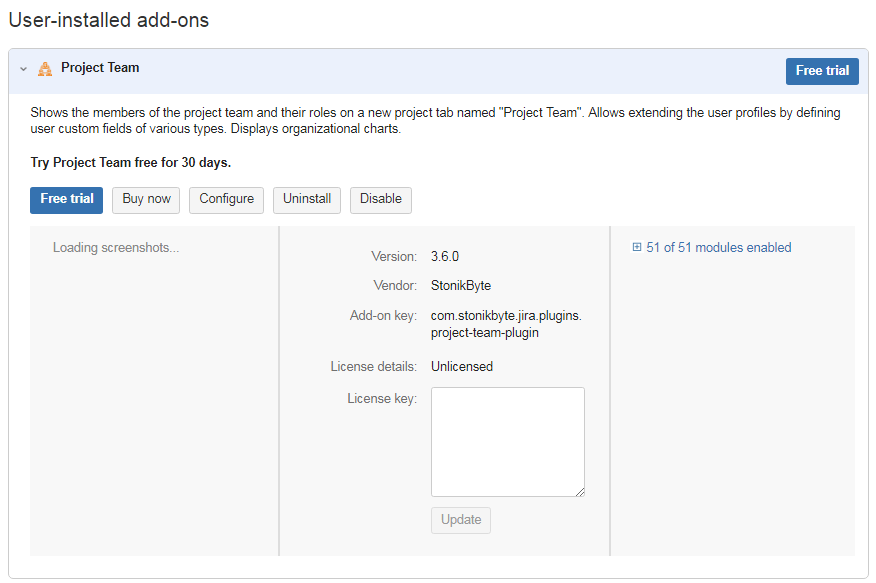
In order to run the Project Team app, you need a trial or a commercial license. You can purchase Project Team from the Marketplace or through the Universal Plugin Manager (UPM). Once you obtain a license code, you must activate it.
Follow the next steps to activate the Project Team license:
-
Log on to Jira as an administrator
-
Go to Administration
-
Go to Apps menu and click Manage Apps to open the UPM page
-
Locate and expand the Project Team app under User-installed Apps
-
Enter the license code in the Enter the new license field
-
Click Update. If your license is valid, a confirmation message is displayed at the top of the page.