DevOps Gadgets for Jira displays data (such as commits, pipeline, pull requests, etc.) from Bitbucket Cloud or GitHub in Jira dashboards through the gadgets it provides.
Which Bitbucket Cloud or GitHub instances this app integrates with is something that the Jira administrator can configure through the application's global settings.
At least one connection must be added for app gadgets to be configured and used by the Jira users.
Adding a new connection
You can add a connection to Bitbucket Cloud or GitHub by logging into Jira Administration and navigating to Apps > Manage Apps > DevOps Gadgets.
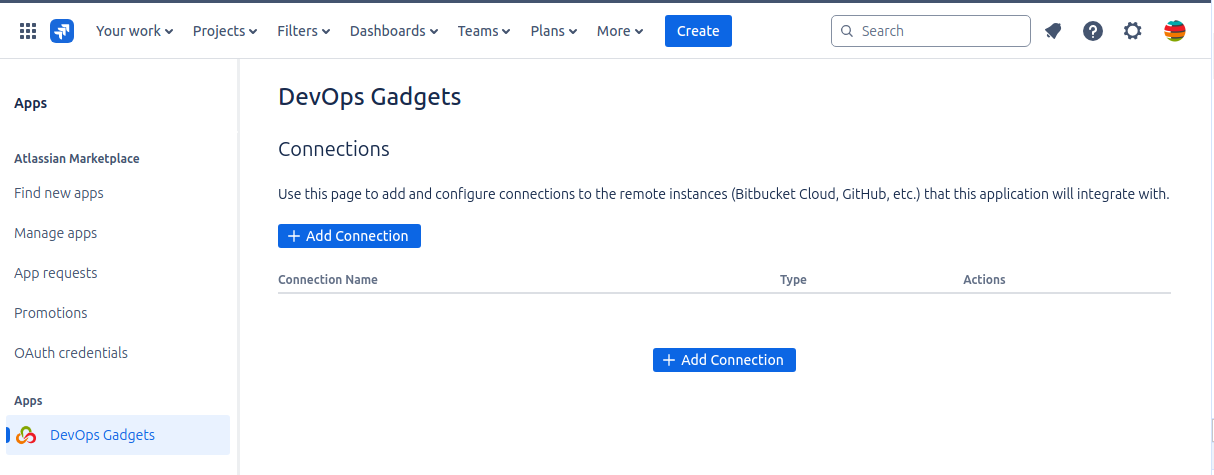
Please follow the detailed instructions depending on the connection you want to add:
Managing the existing connections
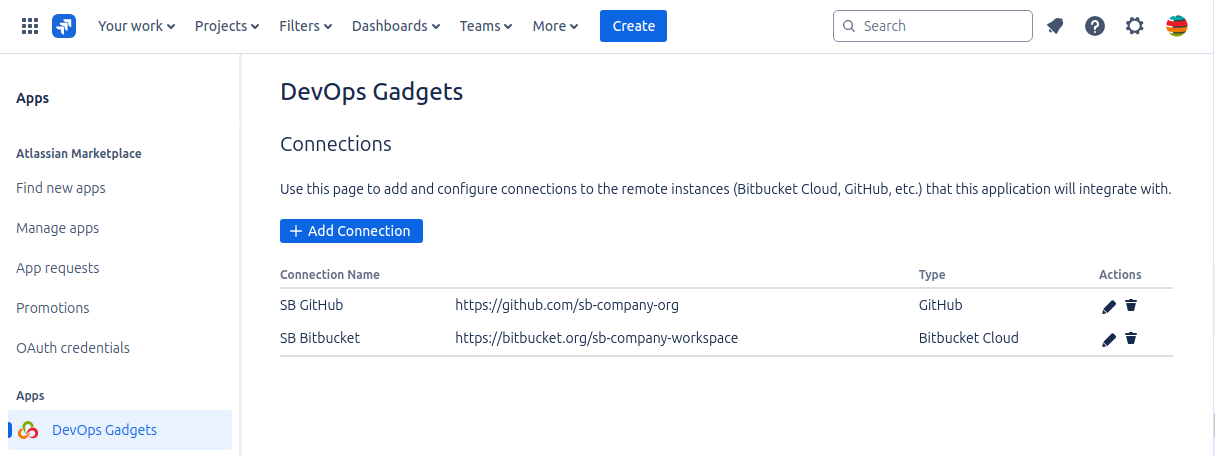
The added connections are listed on the Connections page accessible via Apps > Manage Apps > DevOps Gadgets. You can modify or deleted the existing connections by clicking the appropriate icon under the Actions column of the connections table.