
Overview
This gadget shows the most recent commits from a specified source code repository.

Configuration
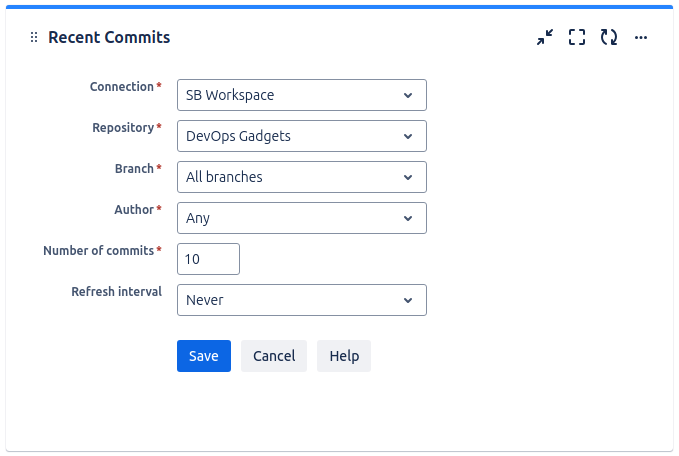
|
Setting |
Description |
|---|---|
|
Connection |
Choose one of the configured connections, such as a Bitbucket Cloud or GitHub instance. The list of available connections is managed by the Jira administrator. |
|
Repository |
Pick the repository for which you want to display commits. |
|
Branch |
Select the branch for which you want to display commits, or keep the default selection All branches if you want to display commits from any branch of the selected repository. |
|
Author |
Select the author of the commits to be displayed, or keep the default selection Any if you don’t want the commits to be filtered by their author. |
|
Number of commits |
Specify the maximum number of commits to be displayed by the gadget. |
|
Refresh interval |
Choose how often the gadget should automatically refresh. |