
These steps are needed only if you plan to integrate DevOps Gadgets for Jira with your GitHub instance by adding a connection that is configured to use an authentication based on the StonikByte Connector app for GitHub (see Adding a new GitHub connection).
Follow these steps to install the StonikByte Connector app for GitHub:
-
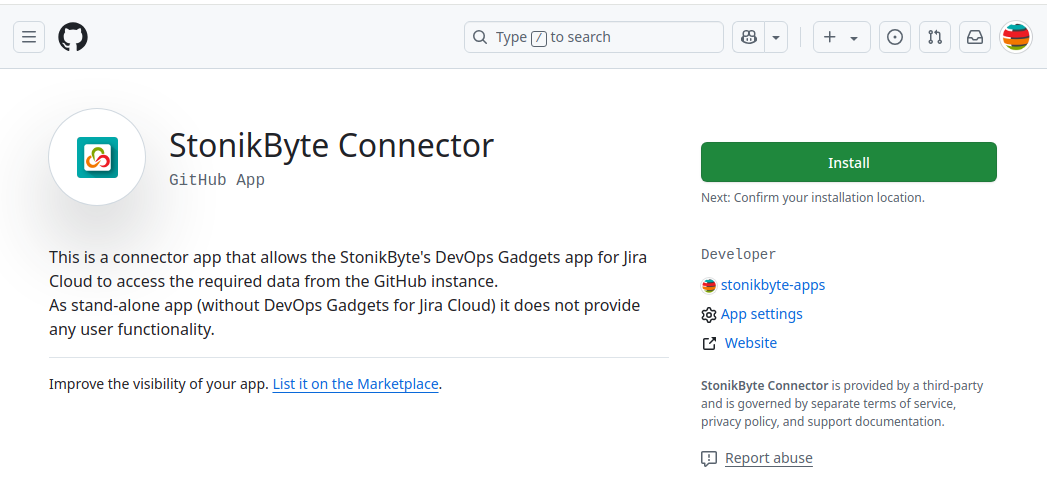
Open this URL in your browser StonikByte Connector for GitHub.
-
Click Install
-
Choose where to install the app, by clicking the GitHub organization (or owner) from the provided list.

-
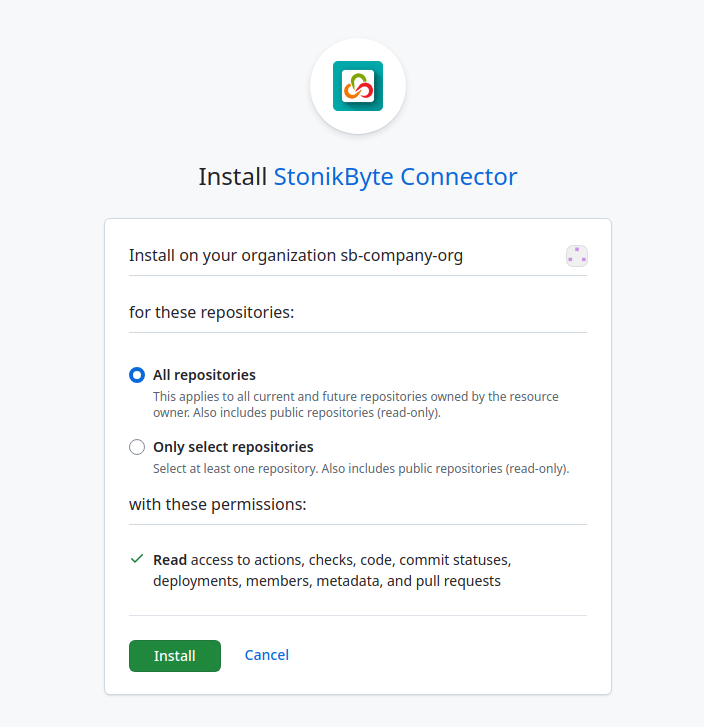
Choose what repositories be accessible by the app. You can choose All repositories, or to select specific repositories.
-
Click Install to complete the installation.
You can now proceed by adding and configuring a connection to your GitHub instance. See Adding a new GitHub connection.