
Follow these steps to move a document or folder to another folder:
-
In Jira, go to Projects
-
Click the Documents tab
-
Make sure that you are on the right project
-
Locate the document that you want to move and click on its Move option under the Actions menu
The Move action is available only if the user has Move permission.
-
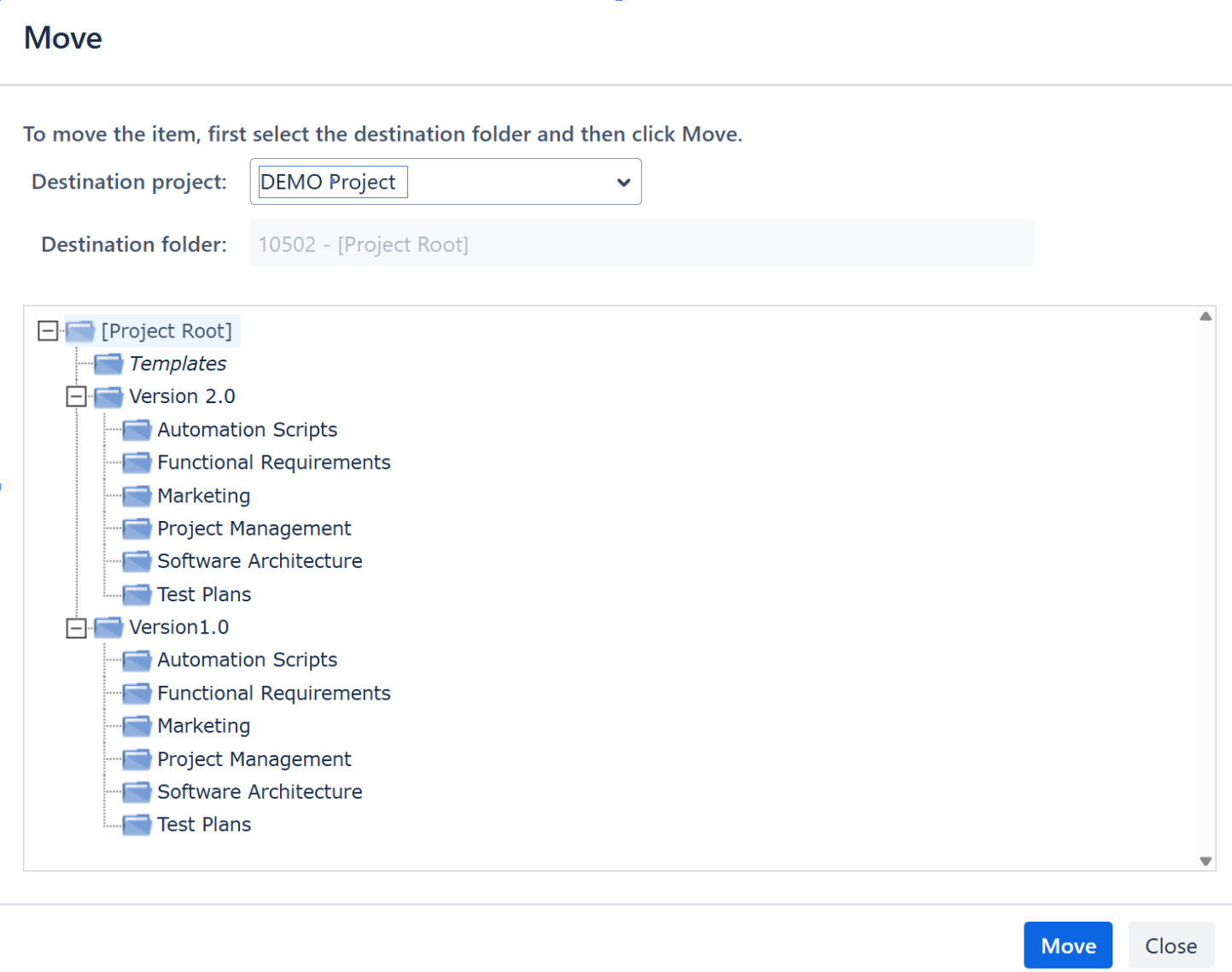
In the Move window, select the Destination Project and the Destination Folder in the folder tree hierarchy
To be able to move a folder in another project, you must have View and Create permissions in that project.
The Split Pane Layout mode allows moving items (documents and folders) from a pane to another by using drag & drop.